How To Play GTA 5 On Your Laptop? Step-by-Step Installation & 2026 Optimization Guide

To install GTA 5 on a gaming laptop in 2026, ensure you have 110GB of SSD space. Download the game via Steam or Epic Games, install the Rockstar Games Launcher, and enable Performance Mode in your laptop's settings. For the best experience, use DirectX 11 and disable MSAA to maintain high FPS.
How To Play GTA 5 On Your Laptop?

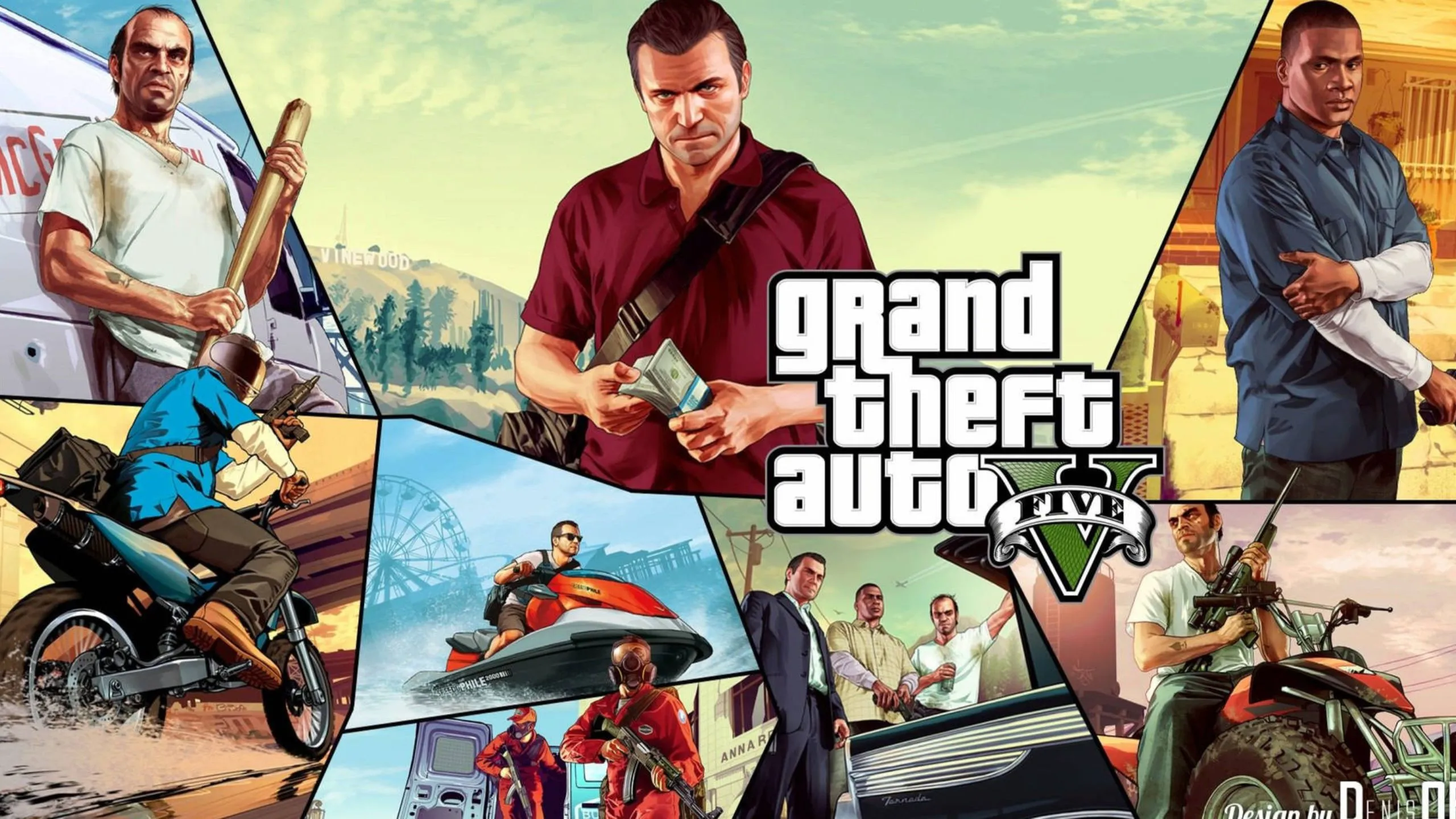
Even years after its release, Grand Theft Auto V remains a staple for testing new hardware. With the 2026 Enhanced Edition updates, the game now supports modern features like Ray Tracing and DirectStorage, making it feel like a new experience on a high-end gaming laptop.

2026 System Requirements (The "Real" Specs)

Don't trust the box art from 2015. Here is what you actually need for a smooth 60+ FPS experience today:

Component

Minimum for 1080p

Recommended for 1440p+

Processor (CPU)

Intel i5-11400H / Ryzen 5 5600H

Intel i7-13700H / Ryzen 7 7840HS

Graphics (GPU)

RTX 3050 / RX 6500M (4GB)

RTX 4060 / RX 7600M (8GB+)

Memory (RAM)

16 GB DDR4

16 GB - 32 GB DDR5

Storage

120 GB SSD

120 GB NVMe Gen4 SSD

Read More: How To Connect A Gaming Consoel To Your Smart TV?

Vetted Options

We thoroughly evaluate every product through a combination of hands-on research and insights from reputable industry sources.

Step 1: Choosing Your Platform (Steam vs. Epic vs. Rockstar)

While the gameplay is the same, the launcher matters for laptop users.

Steam: Best for community mods and Steam Deck compatibility.

Epic Games Store: Often gives the "Premium Edition" (including $1M GTA Online cash) for free or at a deep discount.

Rockstar Launcher: Fastest direct updates but lacks some of the social features of Steam.

Expert Tip: Regardless of where you buy it, you will need to create a Rockstar Social Club account. Enable Two-Factor Authentication (2FA) immediately to prevent account hijacking, which is common in GTA Online.

Products You Might Consider

Step 3: Crucial Laptop Optimizations (Don't Skip!)

Laptops handle heat differently than desktops. To avoid "thermal throttling" (where your game starts lagging after 20 minutes), do the following:

1. Enable MUX Switch (If available)

If your laptop has a MUX switch, set it to "Discrete GPU only." This bypasses the integrated graphics and gives you a 10-15% FPS boost.

2. The Windows 11 "Gaming" Toggle

Go to Settings > System > Display > Graphics and ensure "Hardware-accelerated GPU scheduling" is turned ON.

3. Power State

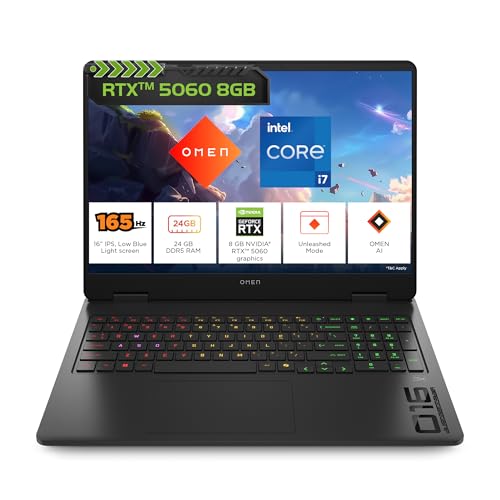
Never play on battery. Plug into your 180W+ power brick and set your laptop's control software (e.g., Alienware Command Center, ASUS Armoury Crate) to Turbo or Max Performance.

Products You May Consider

Step 4: Best Graphics Settings for Laptops

To enjoy Los Santos without your fans sounding like a jet engine, use these "Sweet Spot" settings:

  • Resolution: Native (usually 1920x1080).
  • Refresh Rate: Set to your monitor's max (144Hz or 165Hz).
  • Texture Quality: Very High (if VRAM is >6GB).
  • Shadow Quality: High (Very High is too taxing for laptop thermals).
  • Reflection MSAA: Off (Saves massive frames).
  • Anisotropic Filtering: X16 (Zero performance hit on modern GPUs).

You Might Also Like

Common Mistakes New Laptop Players Make

  • Using the Bed/Couch as a Desk: This blocks the bottom intake vents. Always use a flat, hard surface.
  • Ignoring VRAM Limits: In the settings menu, keep the memory bar in the green. If it turns red, your laptop will crash.
  • Background Apps: Close Chrome and Discord "Hardware Acceleration" settings to free up resources for the game.

How To Ensure A Better Thermal Management?

  • Use a high-quality laptop cooling pad with active fans. This can lower surface temperatures by 5-10°C.
  • Clean your laptop's fans and vents every six months using compressed air to remove dust build-up.
  • Elevate the laptop's rear slightly (even without a cooling pad) to improve airflow to the intake vents.
  • Regularly update your GPU drivers (NVIDIA GeForce Experience or AMD Adrenalin) to ensure optimal power efficiency profiles.
  • Consider undervolting your CPU using software like ThrottleStop or Intel XTU (advanced users only) to reduce heat generation without sacrificing much performance.

Conclusion

Getting a gaming laptop specifically for GTA 5 is a great investment, especially with the modding scene and the transition toward GTA 6. By following this guide, you ensure your hardware stays cool and your frame rates stay high.

Our Core Values

Transparent, Honest Reviews

We provide straightforward insights into each product’s strengths and weaknesses, so you can make confident, informed decisions.

Trusted Brands Priority

We focus on products from reliable brands known for quality, consistency, and customer satisfaction.

Smarter Value for Your Money

We highlight products that strike the perfect balance between cost, quality, and performance, so you get true value without the extra cost.

Disclaimer: At The Daily Jagran Smart Guide, we prioritize providing up-to-date information on the latest trending commodities and goods. Links in this article are affiliate links. Please note that our product recommendations are based on independent research and analysis however, The Daily Jagran Smart Guide shall not be held liable for any claims, damages, or disputes arising under applicable laws, including the Consumer Protection Act, 2019. Any issues regarding product quality, delivery, or warranties must be directed to the respective manufacturer or seller. Furthermore, the products featured in this article are organized for reader convenience and are listed in no particular order of priority or ranking.

Faq's

  • Can I run GTA 5 on a budget laptop?
    +
    Yes, if it has at least 8GB of RAM and a dedicated GPU. If you only have Integrated Graphics, you will likely need to play at 720p on Normal settings.
  • Why is my GTA 5 lagging even though I have a good laptop?
    +
    Check if you are in Battery Saver mode or if your laptop is overheating. Use a tool like HWMonitor to check if your CPU is hitting 95°C+.
  • Is GTA Online free with the game?
    +
    Yes, every purchase of GTA 5 includes access to GTA Online.