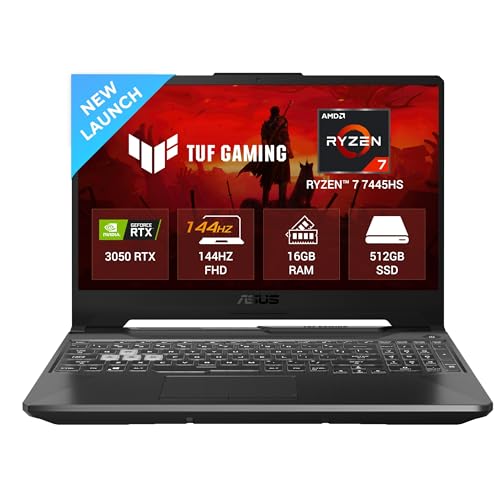
One thing people don’t really think about while buying a gaming laptop is what happens after you keep it running for a while. Not just opening a game and checking once, but actually sitting and playing properly. At first, everything feels sorted. Then slowly, you start noticing small changes. The laptop feels warmer, fans keep spinning harder, and the gameplay is not exactly as smooth as before. It isn't malfunctioning or anything, just different. That is the point where the manufacturers like ASUS, MSI, HP, Lenovo and Acer have been redirecting their attention mostly. Besides only promoting higher specification they also want to ensure the system can better handle the heat. Larger air vents, enhanced air circulation, and superior internal cooling arrangements. Also, when looking for a gaming laptop, go for at least 16 GB RAM above, also go for RTX or i5 processor or above Because frankly, powerful specifications also matters.
Explore more on The Daily Jagran Smart Guide!
What Kind Of Cooling Setup Makes A Real Difference?
A cooling setup starts making a difference when it can move heat out fast enough, not just spin fans louder. Wider vents, dual or triple fans, and proper heat pipe placement help here. Some laptops also use vapour chambers, which help in spreading heat more evenly, so performance doesn’t drop after some time.